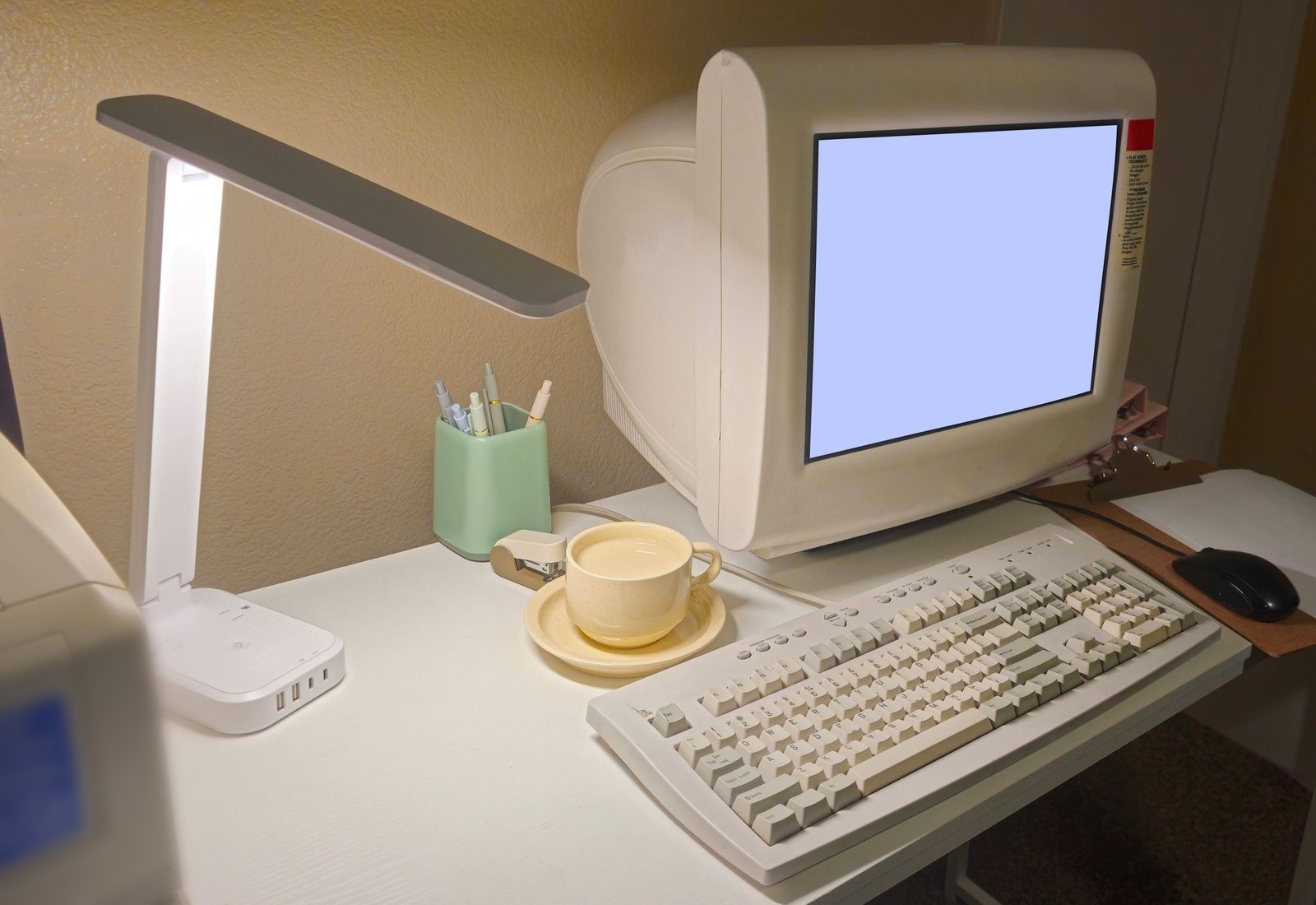
Typical legacy system examples include a COBOL batch system on a mainframe, an RPG application on IBM i, Oracle Forms screens, VB6 or PowerBuilder desktop apps, and the Access database that quietly runs part of month-end. A legacy system is any system your business depends on that has become hard to change safely, because the vendor support, the skills, the tests or the knowledge behind it are gone or going.
That definition is about behavior, not age. A payroll system that has run for decades, on a supported platform, with tests and a team that understands it, isn't really legacy. It's just old. A web app built two years ago by a contractor who left no documentation and no tests can be legacy already, because nobody can change it without guessing.
The distinction matters to whoever pays for the system. "Legacy" usually reaches a budget meeting as a reason to replace something. Often the cheaper fix is to restore what went missing: the knowledge, the tests, or the support contract.
- A legacy system is one that has become hard to change safely, because the support, skills, tests or knowledge behind it are gone or going.
- Age alone doesn't make a system legacy. An old, well-understood system can be fine, and a two-year-old undocumented one may not be.
- Common examples include COBOL batch jobs, RPG on IBM i, Oracle Forms, VB6 and PowerBuilder apps, and Access databases running real work.
- Most legacy systems still work. The cost shows up when the business needs one of them to change.
What makes a system legacy
Four things keep a system changeable. Lose one and change gets harder. Lose several and change gets risky.
- Vendor support. The vendor still ships fixes for the version you run.
- Skills. You can hire or keep people who work in the language and on the platform.
- Tests. There's an automated way to check that a change didn't break something else.
- Knowledge. Someone can explain what the system does and why, and it's written down somewhere other than their head.
What is legacy code?
Legacy code is the code inside such a system: code people are afraid to change because they can't predict what a change will do. Some engineers simply call it code without tests. Legacy code examples are rarely dramatic. A pricing rule buried in a button handler. A stored procedure most of the reporting depends on. A spreadsheet macro finance would miss within a day if it stopped.
Legacy system examples, and what to check first
Not every one of these is a problem today. Each is worth a look.
| Example | Why it counts | What to check first |
|---|---|---|
| A mainframe COBOL batch system | Decades of business rules live in batch programs and job scripts, and COBOL skills are thinning | Which jobs still run, what each produces, and who can change one safely |
| An IBM i application in RPG | The platform is current, but the RPG code holds rules written down nowhere else | Which release you run and who can read the code. IBM i 7.4 standard support ended on 30 September 2026 |
| Oracle Forms screens | The business logic sits in PL/SQL triggers behind the screens | Whether each app runs on its own or inside E-Business Suite, because they follow different support rules (Oracle Forms) |
| PowerBuilder or VB6 desktop apps | Client-server apps with rules in DataWindows or form code, and a shrinking pool of developers | Which version you run and which third-party controls ship with the app (PowerBuilder, VB6) |
| An Access database or Excel macros running a real process | Built by a business user, with no tests, no version control and one owner | Who built it, where the file lives, and what happens if it's wrong at month-end |
| An on-premises SharePoint farm with custom code | SharePoint Server 2016 and 2019 reached end of support on 14 July 2026, and custom code ties the farm down | A list of farm solutions, custom web parts, workflows and integrations |
| A .NET Framework web app with WCF services | Supported along with Windows, but new work has moved to modern .NET, and WCF services don't carry across as they are | The Windows version on each server, and how many WCF services there are (.NET Framework 4.8) |
| A Java app on an unsupported application server | It depends on an old server and Java version that no longer get patches | Which versions you run, and whether anyone still patches them |
| A homegrown ERP or CRM | It carries the company's own rules, and the people who built it have often moved on | Who can change it today, and whether any documentation matches the code |
| A vendor package customized past the point of upgrading | The customizations block every upgrade, so you stay on an old release | Which customizations exist and which ones the business still uses |
Signs your system is a legacy system
Go down this list with one specific system in mind.
- Vendor support has ended or has a date, and nobody owns the decision.
- Only one or two people can change it without breaking something.
- There are no automated tests, or nobody trusts the ones that exist.
- Releases depend on manual steps that live in someone's memory.
- The documentation describes a version of the system that no longer exists.
- Small business changes take weeks because nobody is sure what else they'll touch.
- It runs on an operating system or runtime you can't upgrade without breaking it.
- Other systems connect to it through file drops, shared tables, or a person with a spreadsheet.
One sign is a warning. Several together mean the system is legacy, whatever its age.
Why are legacy systems still used?
Mostly because they work. Years of real use have tested a working system against every odd case, and the exceptions inside it are part of how the company operates. Nobody wrote them down anywhere else, which is what makes replacing the system risky. The trouble usually starts when someone needs to change it, not while it keeps running.
Do legacy systems slow a business down?
They tend to, in ways that rarely show up as one line in a budget. Each change takes longer because people have to work out what it might break. Auditors and customers start asking about unsupported software, and some regulators now ask firms to track support end dates, which we cover in the risks of running end-of-life software.
The biggest slowdown is usually people. When one person holds most of the knowledge, every change waits for them. If that's your situation, start capturing what they know before you decide anything else.
What is legacy system modernization?
Legacy system modernization is any work that makes a legacy system changeable again, or replaces it with something that is: adding tests, wrapping it with APIs, moving it to newer infrastructure, rewriting it in pieces, replacing it with a package, or switching it off. We set out the options in legacy system modernization. Whichever route you take, one question comes first. What does the system actually do, and where do its business rules live?
How the 30-day assessment helps here
A checklist tells you which systems might be legacy. It can't tell you what's inside one. The 30-day assessment does that for a system you're worried about, fixed in scope, at a price agreed before we start.
Over 30 days we go through the codebase and the architecture around it, whether that's RPG on IBM i, VB6 forms, PL/SQL behind Oracle Forms or a homegrown .NET application. We map how the system fits together, find the hidden architectural debt, and flag the security and compliance gaps. The report says in plain language what is broken and what it would take to fix it, and it stands on its own. Your team can act on it, or we can do the work as a separate project with its own scope and price.